

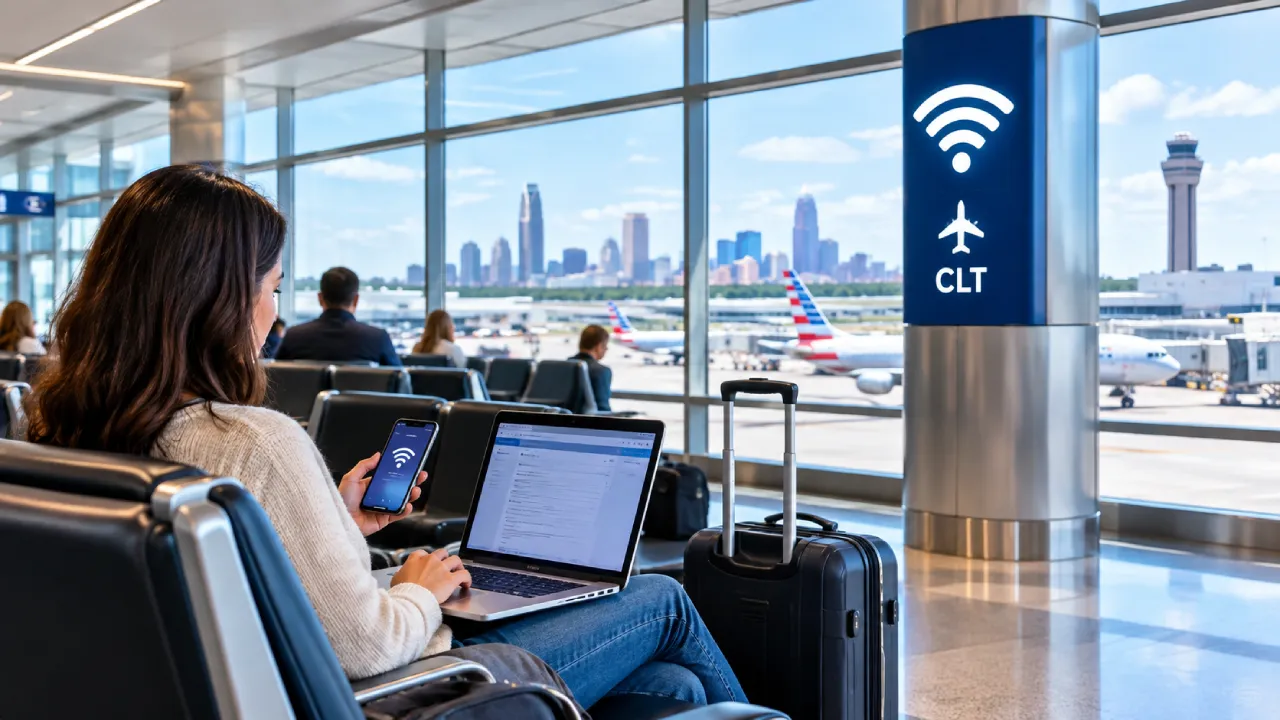
Charlotte Douglas International Airport (CLT) gives free Wi-Fi access throughout the passenger terminal area. People navigating CLT can connect their mobile phones, laptops, and tablets to browse social media channels and other sites while waiting for their flights.
Along with CLT Airport Wi-Fi, there are multiple charging points and power outlets across gates and concourses. Passengers must know the charges, connection process, and other relevant aspects before using it.
Is Wi-Fi Free at Charlotte Airport?
Yes, Charlotte Airport offers free Wi-Fi. It is a complimentary service available throughout the main terminal. Simply put, no additional internet pass or package is needed to use it.
|
Charges |
Free |
|
Name of the Wi-Fi Network |
CLT Free Wi-Fi |
|
Required Accessibility |
Accept the End User License Agreement (EULA) |
|
Coverage Area |
Throughout the CLT terminal |
|
Compatible Devices |
Smartphones, tablets, and laptops |
How to Connect to the CLT Wi-Fi Network?
Connecting to CLT free Wi-Fi is easy and quick. Just follow these steps to connect a mobile phone to enjoy continuous browsing.
-
Start by opening the mobile device’s Wi-Fi settings.
-
Enable Wi-Fi and look for the CLT network.
-
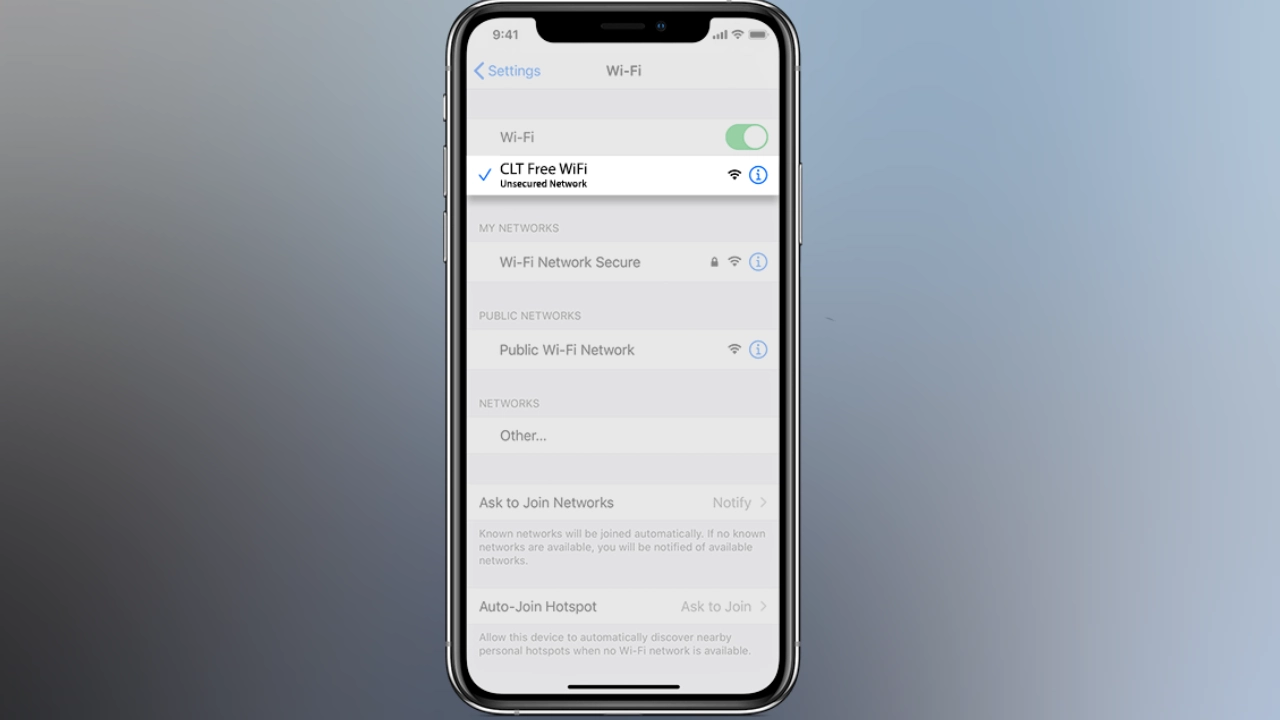
Find and connect the device to ‘CLT Free Wi-Fi’ from the list of active networks.
-
After this, accept the ‘End User License Agreement’.
-
Once it is done, the user will be able to use the free Wi-Fi on their devices.
Note: If the CLT connection does not work, the authorities of CLT advise opening a new browser window or refreshing the existing browser.
Where to Use Wi-Fi at Charlotte Airport?
Charlotte Airport Wi-Fi is available throughout the terminal area. These locations generally include:
-
CLT terminal
-
Gate waiting areas
-
Atrium
-
Concourses A, B, C, D, and E
-
Lounges
-
Restrooms
-
Other seating areas
Note: Passengers can also use free Wi-Fi in the sleeping pods at CLT Airport. However, it is advised to check the availability beforehand.
CLT Free Wi-Fi Service: Latest Updates and Development
In January 2026, Charlotte Douglas International Airport announced upgrades and replacement work of the existing Wi-Fi system.
-
For this upgrade, an investment worth USD 5.9 million will be made.
-
The Charlotte City Council has approved a 3-year contract with an Atlanta-based organization, GC&E Systems Group.
-
This upgrade project is aimed at improving the Wi-Fi coverage throughout the public-facing areas of the CLT Terminal.
-
It is expected that the streaming and browsing speed will increase after this upgrade.
-
More access points will be available with this development work. The numbers will go from 238 to 300.
-
Since passenger traffic is growing at CLT and terminal-related construction is creating coverage gaps, airport authorities have decided to upgrade the existing system.
-
CLT has already transmitted 579+ terabytes of Wi-Fi data from October 2025 to early January 2026.
-
The currently proposed work is expected to be completed in the next few years.
-
Even after the upgrade, the CLT Wi-Fi facility will remain free.
Power Outlets and Charging Points at CLT Airport
Passengers arriving or departing from CLT Airport Terminal or having a layover can charge their mobile devices at the power outlets and charging points installed. After charging their devices, they can continue browsing through the CLT free Wi-Fi:
Concourse A
Wall Outlets
-
A1, A2, and A4
-
A8, A11, A12, and A13
Integrated Charging in Seats
-
A1 to A39
Concourse B
Wall Outlets
-
B4, B7, and B8
-
B11 and B13 to B16
Integrated Charging in Seats
-
B1 to B16
Concourse C
Wall Outlets
-
C4 to C6
-
C7, C8, and C10
-
C11, C13, and C14
-
C18 and C19
Integrated Charging in Seats
-
C2 to C19
Concourse D
Wall Outlets
-
D2 to D4
-
D10 to D13
Wall Outlets + Charging Stations
-
D1 and D5
-
D7 to D9
Concourse E
Wall Outlets
-
E1 to E6
-
E8 and E9
-
E11 to E14
-
E17 to E19
-
E21 to E26
-
E28 and E29
-
E31 to E35 and E38
Wall Outlets + Charging Stations
-
E7, E10, and E15
-
E16, E20, and E30
Note: Use the Charlotte Airport map to find these charging stations and power outlets to enjoy uninterrupted internet.
Safety Tips When Using CLT Free Wi-Fi
Charlotte Airport free Wi-Fi is available to all. Therefore, passengers using it must follow some precautions to keep their personal devices and data safe.
While using Wi-Fi
-
Choose the official network of the airport that is named ‘CLT Free Wi-Fi’.
-
Before entering any details, look for a secure website using HTTPS in the web address.
-
Do not initiate financial transactions or enter account-related details when using public Wi-Fi.
-
To avoid malware and viruses, keep the device up-to-date.
-
While handling sensitive information or work, use trusted VPNs only.
-
Keep Wi-Fi connectivity disabled to prevent it from connecting to unfamiliar or unsafe Wi-Fi networks.
-
Do not enter passwords, login IDs, and other sensitive details into any pop-up.
-
After using the Wi-Fi at CLT Airport, sign out immediately.
When using power outlets or charging points
-
Use the charging cable that belongs to the device.
-
Keep the operating system of the phone updated.
-
Disable the ‘data transfer’ feature during charging.
-
Do not permit data sharing.
CLT free Wi-Fi is available terminal-wide. Travelers can use it to browse the internet. Additionally, there are multiple charging points where one can go to charge their devices to enjoy uninterrupted internet access.
Comments 0
No comments yet. Be the first to share your experience.