
Charlotte Airport Lost and Found provides a formal channel for travelers to report and retrieve lost items within the managed premises. The dedicated office for lost-and-found queries is located in the baggage claim area. Although it is open 7 days a week, it is recommended to check the operating hours beforehand.
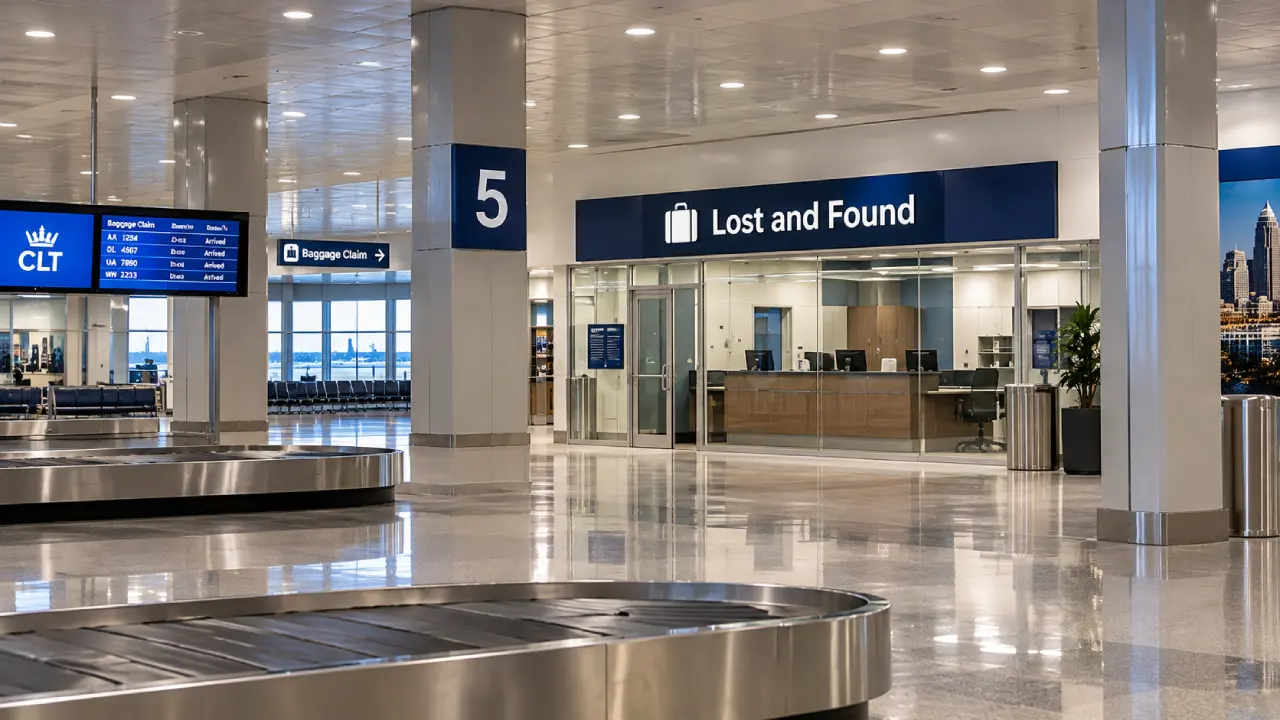
Additionally, passengers should understand that recovery depends on where the item was misplaced. This office only manages issues associated with the terminal complex, parking areas, restrooms, etc. For items lost on a flight or rental car, passengers need to contact the concerned department.
CLT Lost and Found Office Address, Contact Details, and Other Details
CLT lost and found office is the primary platform for getting assistance for misplaced items around security checkpoints and airport-managed areas. However, one must collect the necessary details beforehand:
|
Lost and Found Office Location |
Zone 4, baggage claim area |
|
Operating Hours |
8:00 am to 6:00 pm (daily) |
|
Contact Number |
704-359-4013 (Airport Information) |
|
Areas Covered |
Terminals Security checkpoints General seating areas Concourses Gates |
|
Service Fees |
N/A |
Tip: To find the lost and found office, passengers can use the CLT Airport map.
How to Report Lost Items at Charlotte Airport Lost and Found Office?
Passengers can submit their lost item report online by filling out the form available on the official website. When doing this, these steps should be followed:
-
Remember where the item was last seen.
-
CLT lost and found will only address and resolve issues associated with the airport-operated areas.
-
Once the area is confirmed (that it is airport-managed), go to the official website of CLT.
-
Locate the ‘lost and found’ option and click on it.
-
On this page, the ‘lost and found reporting form’ will appear. Click it.
-
After this, a new page will open.
-
Fill out all the details correctly.
-
Validate the information entered.
-
Submit the form.
-
Keep the receipt or reporting number to check the status further.
Note: If something is misplaced or left inside the sleep pods at CLT Airport, contact Minute Suites executives immediately.
How to Claim Recovered Items at CLT Lost and Found Office?
After recovering the lost item, the office administrators of the Charlotte Airport Lost and Found Office will connect with the owner. Here are the steps on how a person can claim their lost items recovered by the lost and found division:
-
First and foremost, wait for confirmation. After retrieving the items, the airport’s lost and found will contact the owner.
-
Follow all the instructions given regarding the pickup.
-
Check the opening hours and visit the lost and found office at CLT.
-
Carry the necessary documents, such as photo ID and reference or claim information for verification.
-
Verify the belongings by matching the identification details and description based on the report.
-
Since the office does not hand over the item directly, ask about shipping and related aspects.
-
If possible, return to CLT or simply arrange the shipping by paying the applicable fees.
Where to Report Items Lost in Flights, Rental Cars, and Other Areas Not Covered by CLT Lost and Found?
Charlotte International Airport’s lost and found office does not handle queries about every item lost within the airport. This simply means passengers need to contact the authorities based on where they last saw the item. For TSA checkpoints, flights, and rental cars, one should contact the respective department.
TSA Security Checkpoint
-
Lost and found issues related to TSA checkpoints should be submitted directly to the related department.
-
Go to the official website of TSA to report the issue.
-
Look for the ‘lost and found’ option.
-
Enter the airport code, i.e., CLT.
-
A link for the Charlotte Airport lost and found claim form will appear; click on it.
-
Fill out the form and enter all details correctly.
-
Submit it and keep the reference number safely for future use.
Flights and Boarding Gates
-
Get in touch with the baggage service department of the airline.
-
Provide them with the flight number, travel date, seat number, and detailed descriptions of the item.
-
Include unique identifiers, such as serial number, model, color, brand, etc., in the description.
-
After filing the report, keep the reference or claim number safely for follow-ups.
Rental Cars
-
For this, contact the related rental car agency.
-
Share the vehicle’s number and rental contract details.
-
Mention the expected time and location of returning the vehicle.
-
While doing this, mention that the item was last seen inside the rented car.
-
Follow further instructions of the company.
-
Once the item is recovered, arrange shipping or collect it directly from the office.
Airport Restaurants
-
Immediately contact the restaurant where the belonging was left.
-
Provide them with the approximate location and time,
-
Share details of the item and distinctive features, if any.
-
Some restaurants are a part of HMSHost.
-
Thus, check this aspect and contact HMSHost directly for help.
-
The concerned authorities will try to recover the item.
-
In case the item was left outside the restaurant premises, contact the CLT lost and found office.
Retail Stores at CLT
-
Contact the concerned retail operator for items left inside the shop.
-
Share the necessary details, such as store location, date, and time.
-
Give detailed information about the missing item.
-
Paradise Shops operate and manage some stores at CLT.
-
Connect with them directly if something is lost inside the shops managed by them.
Tips to Speed Up the Recovery Process for Lost Items at CLT Airport
The recovery process of a lost item at CLT Airport is comparatively easy when passengers report it immediately and provide precise details. With these practical tips, one can speed up the retrieval:
-
Submit the lost and found report right after knowing about the item being misplaced.
-
Clearly mention the location where the item was last seen.
-
Give detailed information about the lost item. Specify the color, size, brand, serial number, and unique markings.
-
For items misplaced on flights, add the flight number, seat number, travel date, and other relevant details.
-
Report the issue in the right channel. For instance, CLT lost and found only handles queries associated with the areas managed by it.
-
While reporting, make sure the given contact details are correct so that the lost and found authorities can reach out quickly.
-
Keep a check on the report’s status to know if the item is retrieved or not.
Remember: After retrieving the lost item, CLT generally keeps it for 30 days. If it remains unclaimed, it will be donated for goodwill, or the authorities will take action according to the type of item.
Losing valuables at CLT Airport can be stressful. However, one can make the retrieval process simple by knowing the right reporting platform. For instance, for items misplaced within terminals, concourses, gates, restrooms, and other airport-managed areas, passengers must contact the CLT lost and found office. For items lost on flights, rental cars, restaurants, etc., fliers must contact the respective service provider.