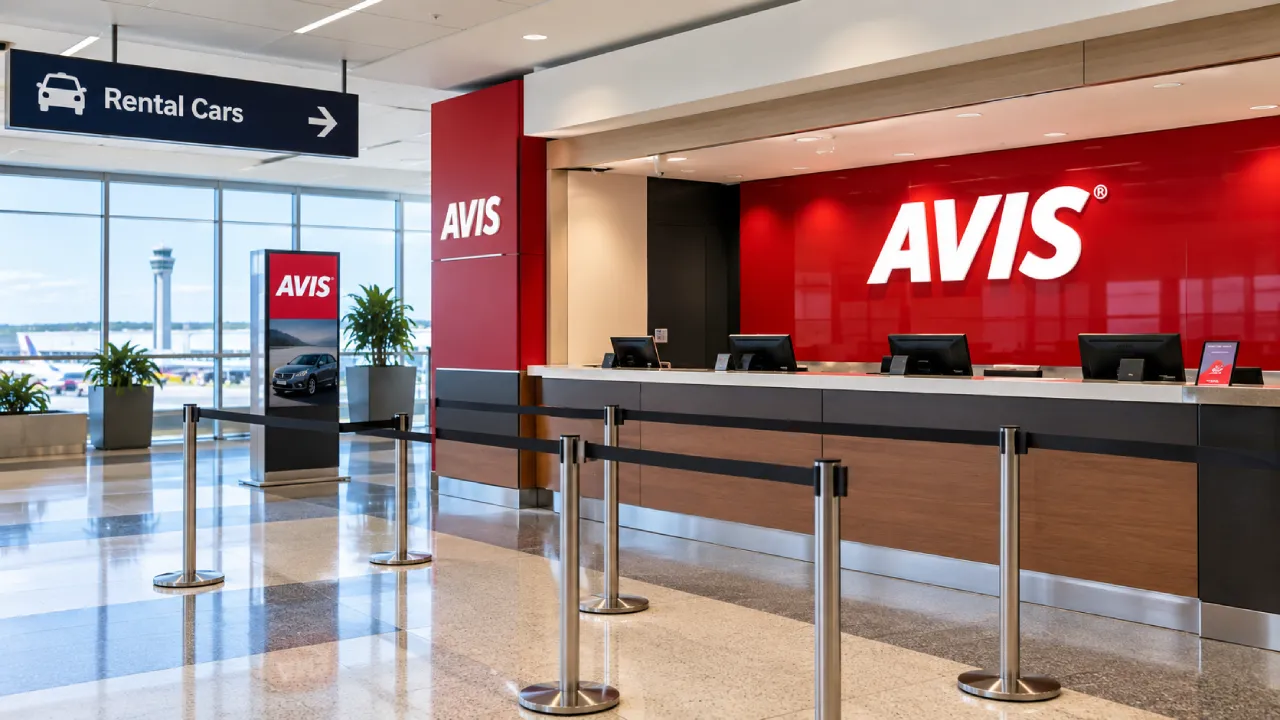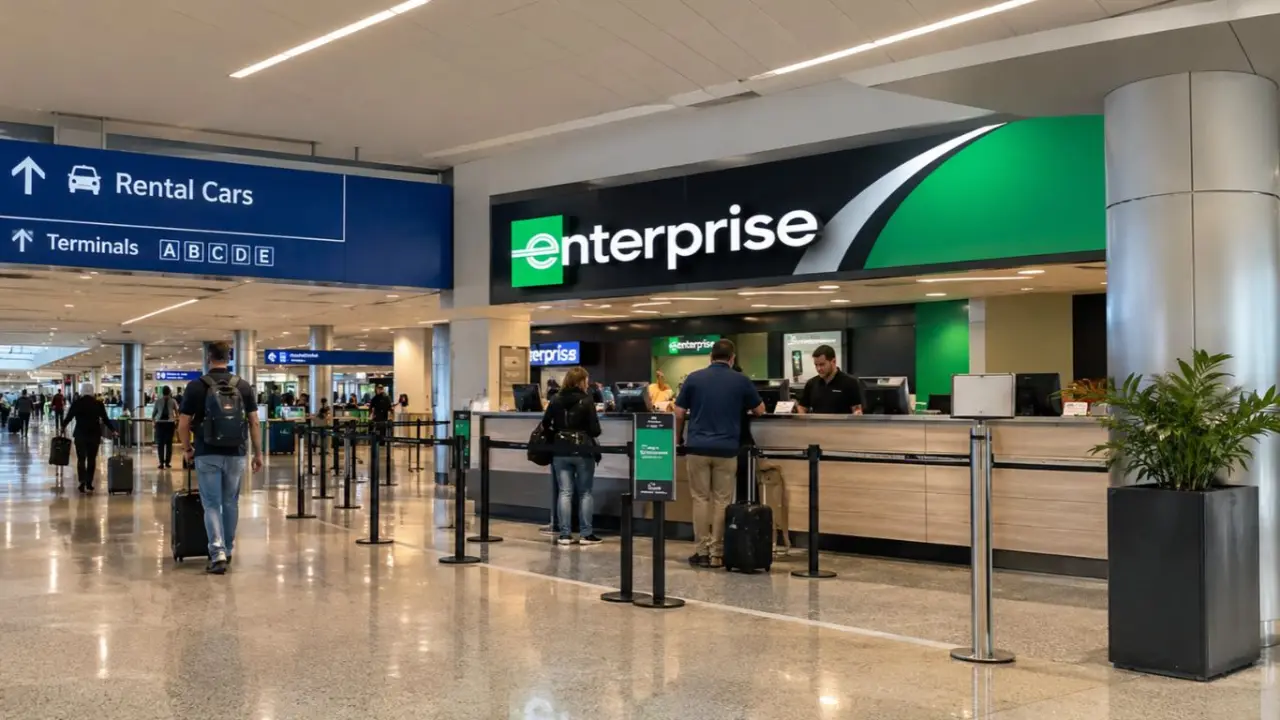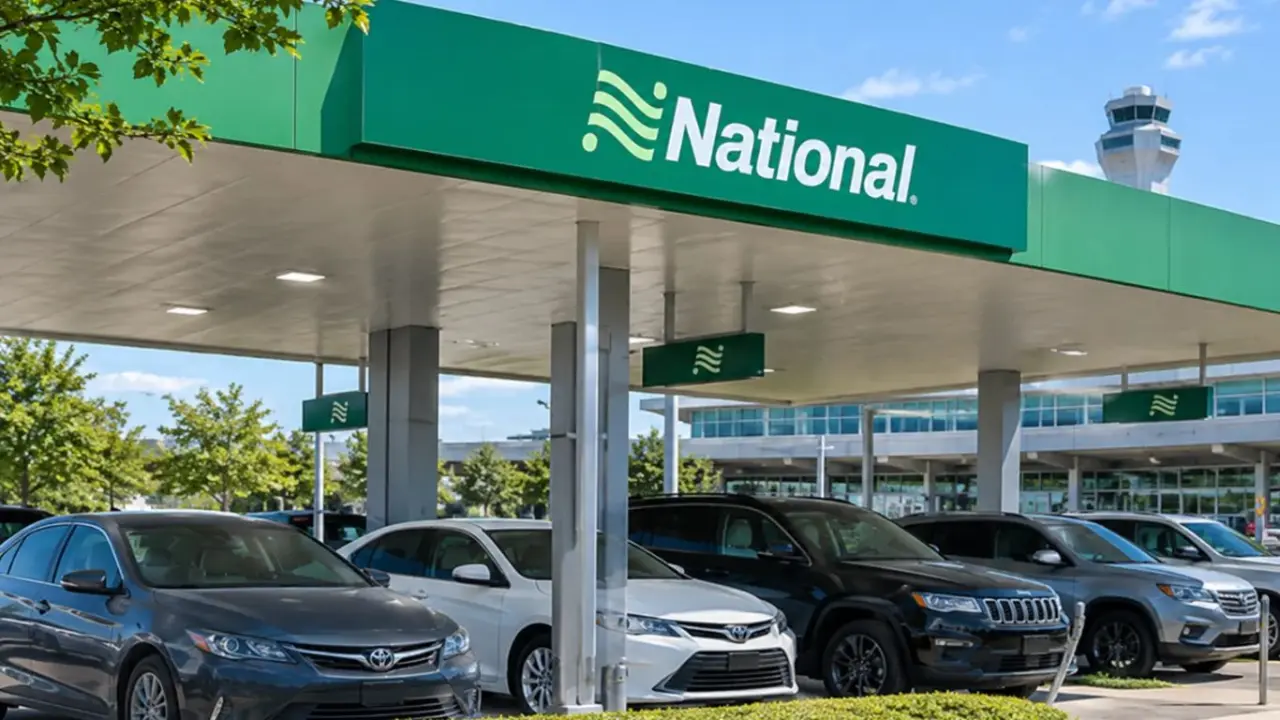


Alamo Car Rental at Charlotte Airport (CLT) provides rental services to those who are visiting Charlotte. The rental agency's airport office is in the Rental Car Facility. The convenient location makes it easier for people to collect their vehicles after landing. Alamo also provides self-service kiosks, ‘Skip the Counter’, and ‘Online Check-in’ at this location for eligible members. The agency also offers multiple car options to suit specific travel needs. However, a specific car model is always subject to availability.
Where is Alamo at CLT? How to Contact It?
Alamo is located in the Rental Car Facility at Charlotte Airport. Passengers should verify and keep the following details before arriving:
-
Location: Rental Car Facility, Level 2 Lobby, Hourly Deck
-
Address: 5489 R C Josh Birmingham Parkway, Charlotte, NC 28214
-
Contact Number: +1-844-366-8844 | +1-877-222-9075
-
Service Hours: 2:00 am to 01:45 am | 04:00 am to 11:59 am (daily)
Tip: The easiest way to find the Rental Car Facility and Alamo counter is by using the Charlotte Airport interactive map.
Rental Car Options at CLT by Alamo
At Charlotte Airport, Alamo has many vehicle categories to offer. Based on individual needs, budget, distance, and duration of the trip, one can choose from these:
-
Economy cars
-
Compact cars
-
Mid-size and full-size sedans
-
SUVs
-
Luxury cars
-
Minivans
Remember: The availability of these vehicles depends on the booking time, demand, and other crucial factors.
How to Book a Rental Car at CLT from Alamo?
Booking a rental car from Alamo at CLT Airport is easy. Here are the steps to follow:
-
Open the official website of Alamo.
-
Select Charlotte Douglas International Airport as the pick-up point.
-
Choose the desired drop-off point along with travel dates and times.
-
Select the vehicle from the available options.
-
Follow on-screen prompts and pay the applicable amount.
-
Keep the booking receipt safely.
-
Before paying the cost, add the necessary extras, if needed.
How to Pick Up a Rental Car from Alamo at Charlotte Airport?
Collecting rental vehicles from Alamo at CLT Airport involves some easy steps and formalities. These include:
-
Reach the Rental Car Facility after arrivals and baggage claim at CLT.
-
To reach it easily, follow the wayfinding signs towards the ‘lower level walkway’.
-
Further, use the elevator to reach the Level 2 lobby where all car rental companies are available.
-
Locate the Alamo counter.
-
Complete the paperwork by presenting the necessary documents, such as IDs, a driver’s license, and the booking confirmation receipt.
-
Go to the pick-up area.
-
Inspect the car carefully and thoroughly.
-
Once everything is fine, drive the car out of the facility.
What is the Drop-Off Process of Alamo at CLT?
Just like pick-ups, returning a car to Alamo at Charlotte Airport is straightforward. Follow these steps for easy drop-offs:
-
Reach the airport and follow the roadway signs to go to the Hourly Deck.
-
Now, pass the Hourly Deck entrance and take the next one.
-
The entry has clear markings for ‘rental car returns’.
-
Look for the designated return area of Alamo.
-
Complete the paperwork and other formalities.
-
Take the elevator to Level 5 for the bridge to the terminal, or Level 1 for the Lower Level Walkway.
-
Follow the pedestrian route to reach the CLT Airport Terminal.
Note: Alamo offers after-hours returns at CLT. However, it is good to inquire about the same before driving the car and parking it in the designated return areas.
Key Services Offered by Alamo at Charlotte Airport
Alamo provides numerous services to simplify its procedures at the CLT branch. These services include:
-
Self-Service Kiosk
It allows travelers to complete the check-in process without waiting at the regular counters for assistance. Just reach the touchscreen kiosks, get a printed rental contract, go to the designated area, and complete the process.
-
Online Check-In
Just share the necessary documents, such as a driver's license, online to reduce the time involved in the counter-based process before pick-up.
-
Skip the Counter
Eligible customers can use the ‘Skip the Counter’ service to get the rented vehicle. For this, activate this service online using the Alamo’s official site/app. Fill out all the necessary details and complete the process.
Basic Requirements for Renting a Car at CLT from Alamo
Renters are advised to understand Alamo's requirements to rent a car easily. These include:
-
An active and valid driver's license
-
A credit or debit card
-
An extra photo ID issued by the government, such as a passport
-
Booking confirmation number/receipt
-
International Driving Permit (only if the license is not in English)
Note: Confirm details regarding the documents to avoid delays at the counter.
Key Considerations for Renting a Car from Alamo at Charlotte Airport
With these key considerations, one can have a great experience with Alamo Car Rental:
-
Know the security deposits charged by Alamo. Renters without a return ticket will need to pay a hold starting from USD 300.
-
For adding a driver, a fee of USD 15 will be paid by the renters. However, they should also meet the eligibility criteria.
-
Review the fuel policy, toll payments, cross-border rules, and other policies beforehand.
-
Check the optional insurance options to prevent liabilities.
-
Always book a rental early to get the best rates and unlock exciting deals.
Alamo Rental Car at Charlotte Douglas International Airport is a good option for arriving passengers who need wider vehicle categories to select the right car for their travel. Located within the dedicated rental car facility of the Hourly Deck, people can visit there after landing and get their desired rental car. Before booking, one should review all policies, costs, and other aspects.